A Chapter
Each chapter builds one idea at a time, with hands-on experiments you do yourself — no fancy lab required.
Award-Winning Learning Platform
A tool that helps students do what scientists do.
Lab-on-a-Book turns reading into an experiment. Work through the chapters at your own pace — and whenever a question comes up, Lab-on-a-Bot is right here to help you think it through.
Ask Lab‑on‑a‑Bot ↓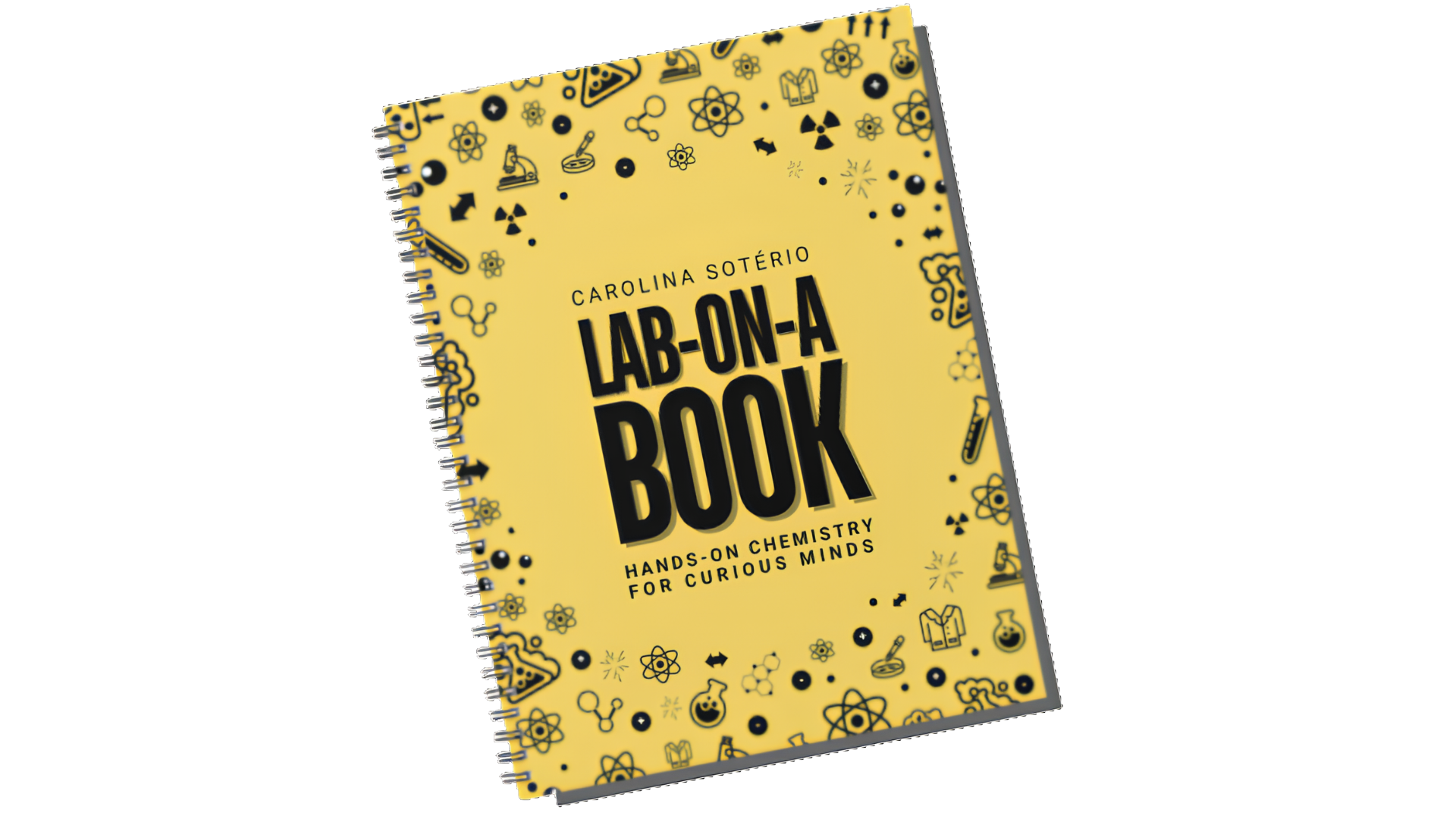
01 — How it works
Each chapter builds one idea at a time, with hands-on experiments you do yourself — no fancy lab required.
Stuck on a concept? Lab-on-a-Bot knows the whole book and explains it your way — like a patient tutor.
The AI runs entirely on your own computer. No cloud, no API key, no data leaving your device — ever.
Supported By


02 — Your AI companion
Your curiosity companion for every Lab-on-a-Book experiment. It runs privately on your own computer — no internet required after setup, no data ever leaves your device.
Choose how you'd like to connect Lab-on-a-Bot.